Intelligent Auto Gain Staging Plugin for Modern Mixing
WaveBalance
Keep tracks at a consistent operating level automatically so EQs, saturators, and analog-modelled plugins behave more predictably. Instead of constantly trimming clip gain or fighting inconsistent recordings, WaveBalance keeps your session balanced transparently in the background.
A practical gain staging plugin for mix levels, vocals, imported stems, sample packs, and large sessions, with transparent real-time gain control, Analyze & Hold workflow, grouping support, and built-in headroom protection.
- Free 7-day trial
- VST3 / AU / AAX
- macOS + Windows
Featured on YouTube bySpinlight Studio and Creative Sauce
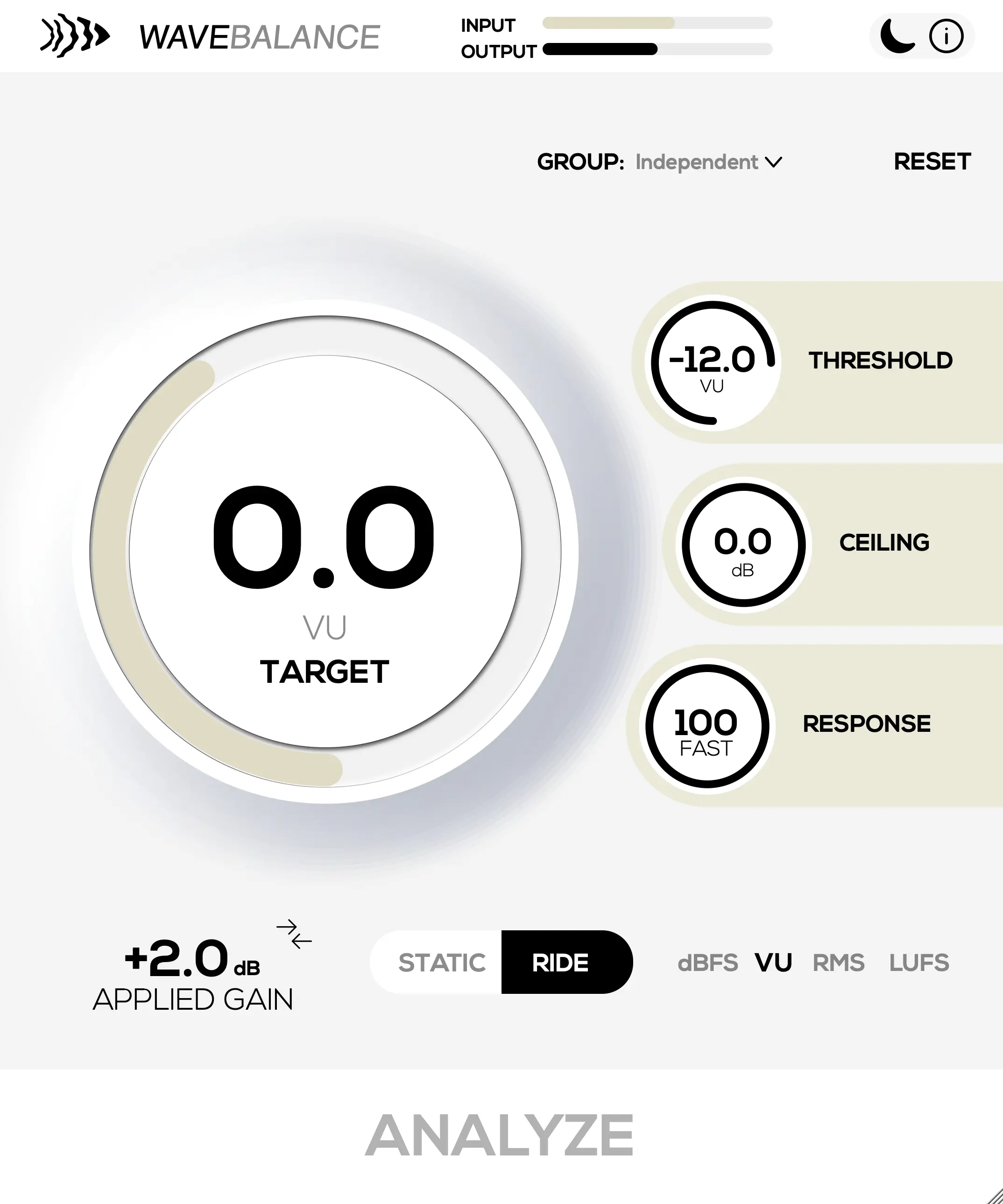
Visualized
Auto gain staging in motion
See the basic WaveBalance behavior: uneven input level is analyzed, corrected toward a stable target, and kept under control before it reaches the next plugin in your chain.
What It Does
Keep your mix operating at the right level
WaveBalance manages track gain automatically, giving the next plugin a steadier, more predictable input. It replaces repeated clip-gain trims and transparently keeps inconsistent recordings at a balanced operating level.
From vocals and live instruments to imported stems and sample packs, it helps compressors, EQs, tape plugins, and saturators behave more consistently across your entire mix. It removes the friction from gain staging while keeping mix levels predictable. New to the topic? Start with our auto gain staging guide.
Transparent Auto Gain Staging
Slow, ultra-smooth gain control keeps levels stable without sounding compressed or artificial.
Ride Mode
Continuously manage operating level in real time for vocals, bass, live recordings, and dynamic sources.
Analyze & Hold
Analyze tracks, lock the correction, and continue mixing with fixed gain staging.
Multi-Mode Loudness Detection
Choose between dBFS, VU, RMS, LUFS-M, LUFS-S, or LUFS-I depending on your workflow.
Group Multiple Instances
Link tracks together and control multiple WaveBalance instances from a shared target/group.
Built-In Headroom Protection
Integrated look-ahead brick-wall safety limiter prevents clipping after gain correction.
- Free 7-day trial
- VST3 / AU / AAX
- macOS + Windows
Dark View
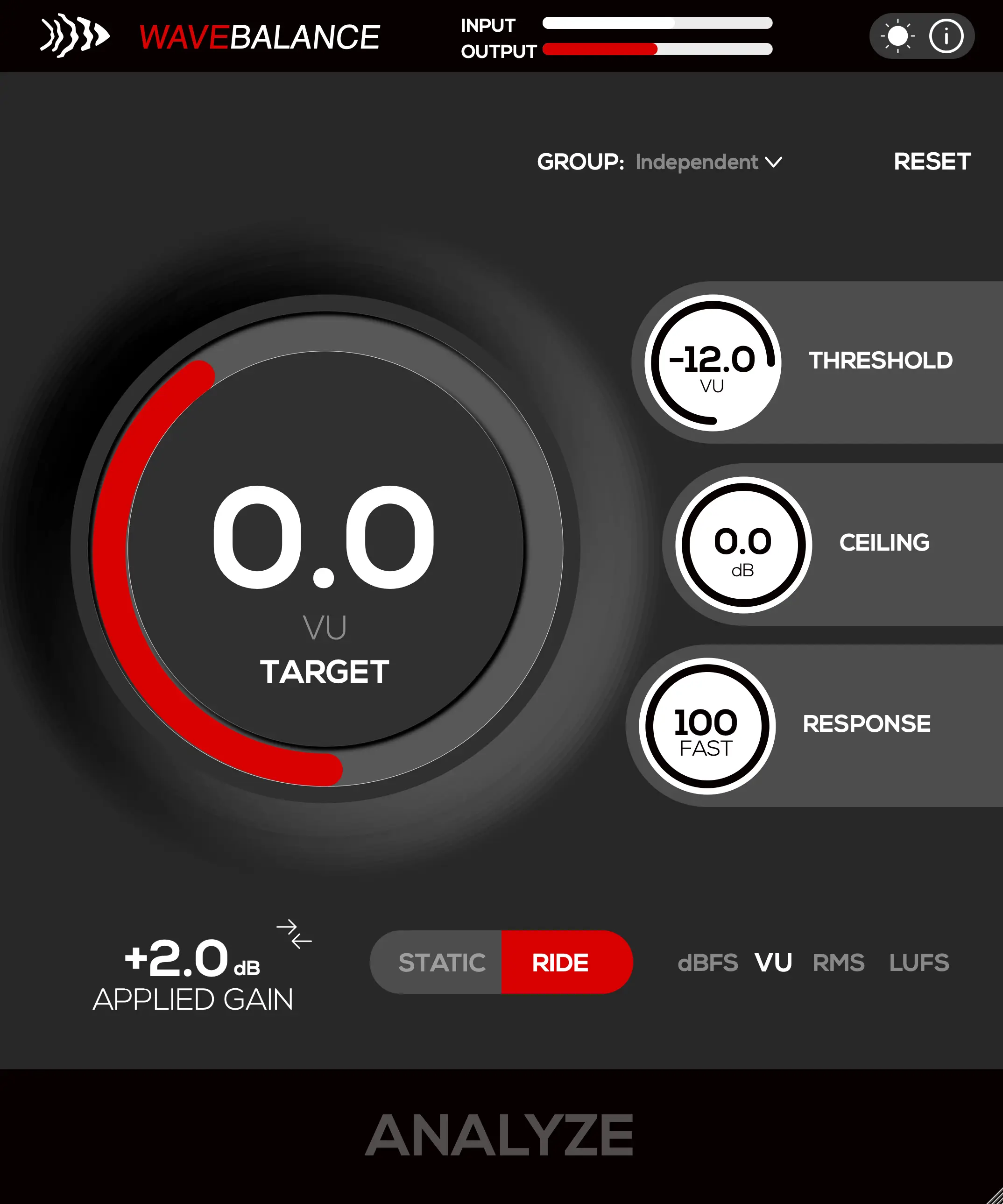
Same controls, lower-light sessions
WaveBalance includes a dark interface for late-night writing, mixing, and live-prep workflows. The control layout stays identical, so switching themes does not interrupt the session.
Workflow
Designed for modern production workflows
Keep analog-modelled plugins in their sweet spot
Feed compressors, tape plugins, and saturators with more consistent levels.
Clean up messy sessions quickly
Balance imported stems, sample packs, and recordings in seconds.
Stabilize vocals before compression
Reduce level inconsistencies before downstream processing.
Organize large projects
Use grouping to manage operating levels across complex sessions.
Learn / Gain StagingAuto Gain Staging: Keep Your Levels Consistent Automatically
Creator Review
See how pros use WaveBalance
See WaveBalance from another producer's perspective, with a practical look at how it fits into a real-world gain-staging workflow.
Tech Specs
Formats for current production setups
WaveBalance slots into common production and post-production setups with native plugin formats for current DAWs.
Operating Systems
macOS 10.13+ (Apple Silicon & Intel)
Windows 10 (64-bit)
Formats
VST3, AU, and AAX installers included.
Mono and stereo processing supported.
User manual (PDF)
DAWs
Tested in Ableton Live, FL Studio, Logic Pro, Bitwig, and Studio One. Most VST3/AU hosts are supported.
Requirements
4 GB RAM recommended, 200 MB disk space, internet for activation.
Licensing and updates
- Trial
- Free 7-day trial
- Purchase
- One-time purchase, no subscription
- Activations
- Up to three active activations at a time, revocable from your account
- Offline activation
- Available by license file; permanently binds the license to that device
- Updates
- Free updates
- Refunds
- 14-day money-back guarantee
FAQ
Gain staging, explained
What is an auto gain staging plugin?
An auto gain staging plugin analyzes incoming level and applies smooth gain correction so tracks feed compressors, EQs, saturators, and analog-modelled plugins at a more consistent operating level.
Can WaveBalance help control mix levels?
Yes. WaveBalance helps stabilize mix levels across vocals, stems, live recordings, sample packs, and large sessions with Ride mode, Analyze & Hold, instance grouping, and headroom protection.
Is WaveBalance a compressor?
WaveBalance is focused on transparent gain staging and operating-level management. It can sit before compression to smooth the signal feeding your dynamics chain.
Which meter mode should I use?
Use VU or RMS for musical level matching, LUFS-M, LUFS-S, or LUFS-I for loudness-oriented work, and dBFS when peak headroom is the main concern.
Updates
Changelog
Follow WaveBalance fixes and improvements by release.
Version 1.1.0
- Improved: RMS and VU are now referenced to AES-17, where a full-scale sine reads 0 dB. Both read 3.01 dB higher than before, which lines up with meters that follow the same standard. VU keeps its 0 VU = -18 dBFS calibration
- Improved: Sessions and presets saved with earlier versions are migrated when they load. Target level, gate threshold and any held analysis reference move with the new reference, so a restored mix keeps the gain it had
Version 1.0.8
- Fixed: Licensing system bug when reactivating a trial
Version 1.0.7
- Improved: Updated licensing system
- Improved: macOS support extended back to macOS 10.13
Version 1.0.6
- Improved: Static mode now ignores silence, pauses, gaps between notes, and trailing silence, so results are based only on the parts of the audio where signal is present
- Improved: VU readings in Static mode now behave like a true VU meter, calibrated to 0 VU = −18 dBFS, matching the RMS-based average level workflow used for classic gain staging
- Improved: LUFS-I continues to follow BS.1770 gating for accurate, comparable loudness readings
- Improved: Reduced CPU overhead during analysis
- Fixed: Crashes that could occur when adding several tracks to a group
- Fixed: Crashes when removing grouped tracks while editors were open
Version 1.0.4
- New: Analyze All button in the Group view to analyze (or stop) every Static track in a group with one click. The button shows "ANALYZE ALL" / "STOP ALL" and disables itself when a group has no static tracks
- New: Static/Ride linking to link the operation mode across a group from the Link overview (new "STATIC/RIDE" row), so switching one track switches its linked peers
- New: Applied-gain readout where group track faders briefly show the gain correction that was applied after an analysis pass
- Improved: The Reset to default popup now scales with the plugin window size
- Improved: Dark mode: adjusted the input level meter fill colour for better contrast
- Fixed: Crashes in Pro Tools during multi-mono instantiation, and the first save/close with several instances open
- Fixed: Crashes during plug-in scanning and rapid create-destroy churn (Reason, Adobe Audition)
- Fixed: Crash when reordering (dragging to swap) tracks inside a group
Version 1.0.3
- Fixed: A Pro Tools crash that could occur when opening the plugin UI in sessions using grouped/linked instances
- Improved: Stability when loading sessions that contain saved group/link states
- Improved: Handling of linked parameters so ungrouped instances no longer process inactive link states
- Improved: Group cleanup when plugin instances are removed or sessions are closed
- Improved: AAX packaging and signing validation for Pro Tools compatibility
Version 1.0.2
- Fixed: Crashes in Pro Tools caused by our licensing provider
Version 1.0.1
- Fixed: Stability issues when multiple instances are open
Version 1.0.0
- Initial Release